PdfAnnotationAppearances Class
In This Topic
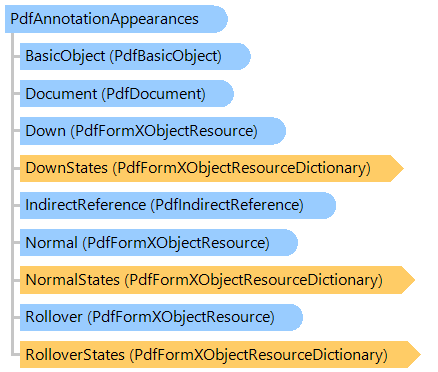
Represents the appearances, which are specifying how the annotation is presented visually on the page.
Object Model
Syntax
Remarks
Appearances enable the annotation to be presented visually in different ways to reflect its interactions with the user. Each appearance is a form resource: a self-contained content stream to be rendered inside the annotation rectangle.
An annotation can define as many as three separate appearances:
- The "normal" appearance is used when the annotation is not interacting with the user. This appearance is also used for printing the annotation.
- The "rollover" appearance is used when the user moves the cursor into the annotation's active area without pressing the mouse button.
- The "down" appearance is used when the mouse button is pressed or held down within the annotation's active area. Each entry may contain either a single appearance (Normal, Rollover, Down) or an appearance subdictionary (NormalStates, RolloverStates, DownStates). In the latter case, the subdictionary defines multiple appearances corresponding to different appearance states of the annotation.
Inheritance Hierarchy
System.Object
Vintasoft.Imaging.Pdf.Tree.PdfTreeNodeBase
Vintasoft.Imaging.Pdf.Tree.Annotations.PdfAnnotationAppearances
Requirements
Target Platforms: .NET 10; .NET 9; .NET 8; .NET 7; .NET 6; .NET Framework 4.8, 4.7, 4.6, 4.5, 4.0, 3.5
See Also