在 PDF 编辑器演示中与 PDF 注释和表单字段交互

博客分类:PDF.NET

2020/05/20

VintaSoft PDF .NET Plug-in 的"PDF Visual Editor"版本提供了对 PDF 文档进行可视化编辑的功能。 可视化工具PdfAnnotationTool包含在"PDF可视化编辑器"版本中,可用于与PDF注释进行交互。PdfAnnotationTool保证创建的PDF注释与所有PDF查看应用程序兼容。

本文介绍了如何在 PdfAnnotationTool 类中使用 VintaSoft PDF Editor Demo


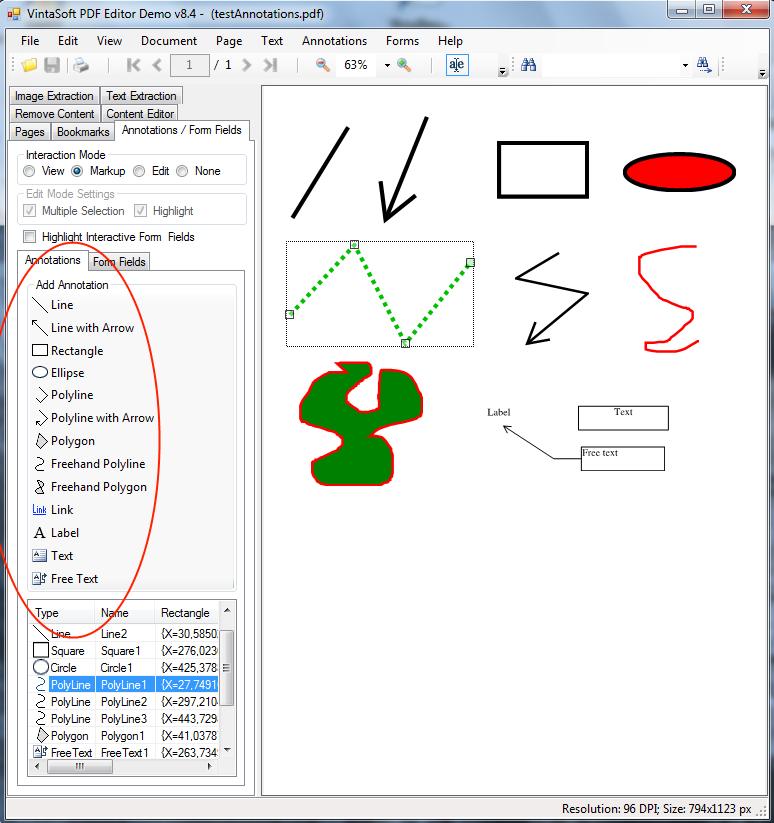
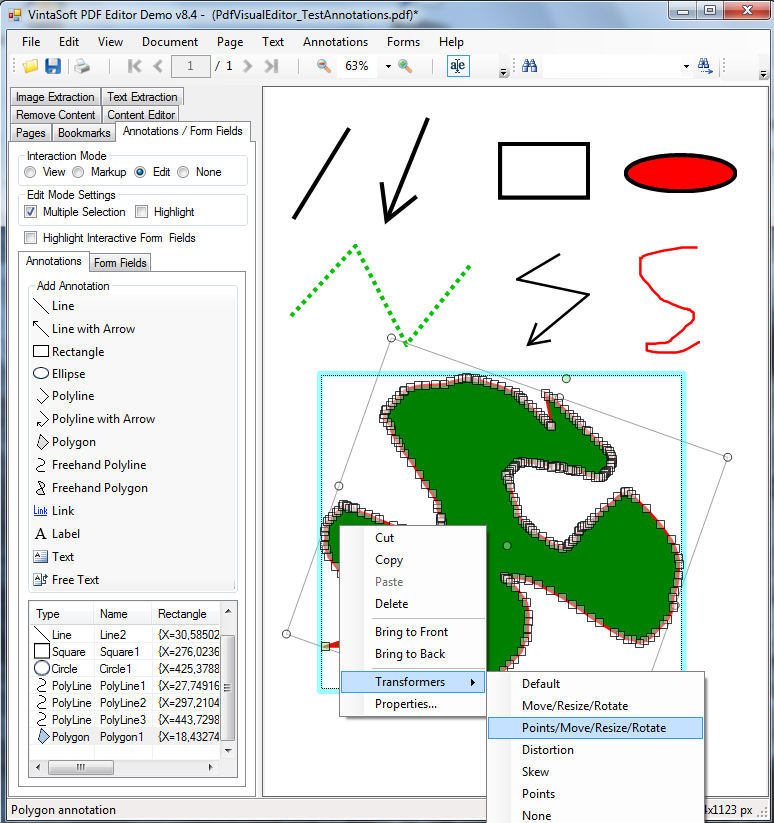
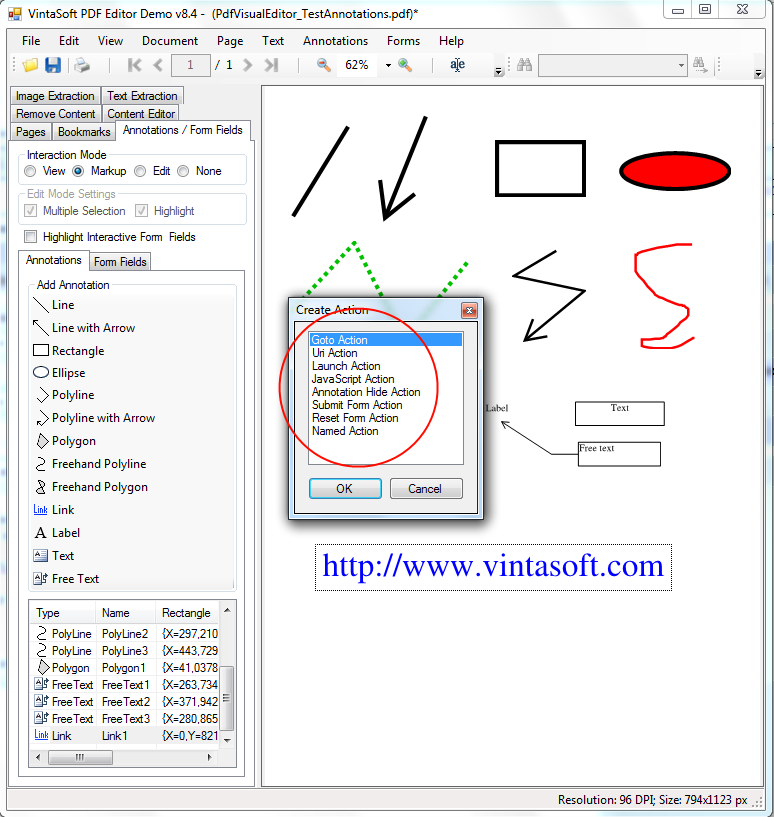
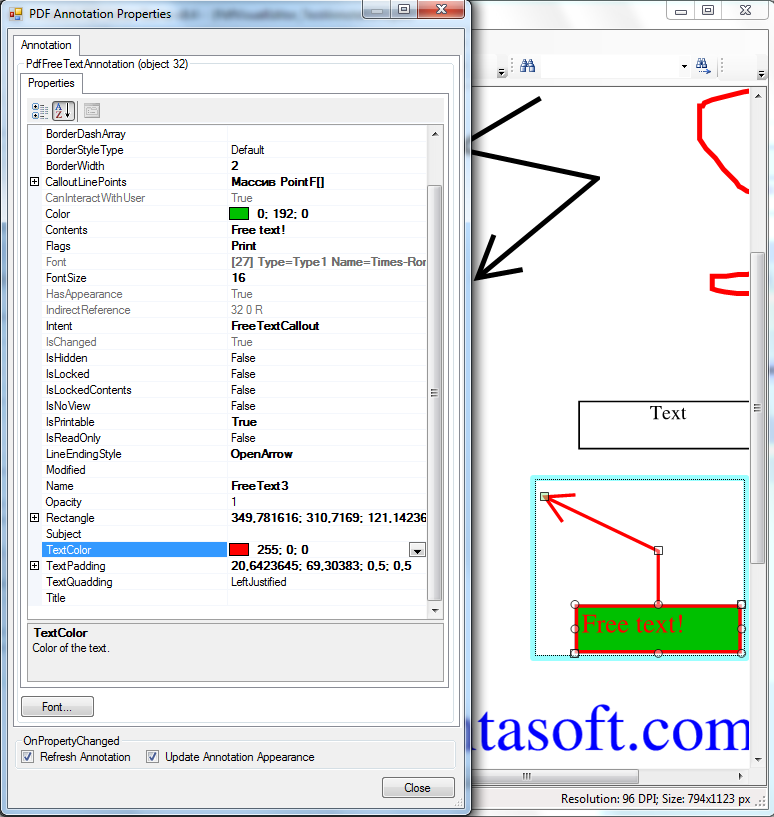
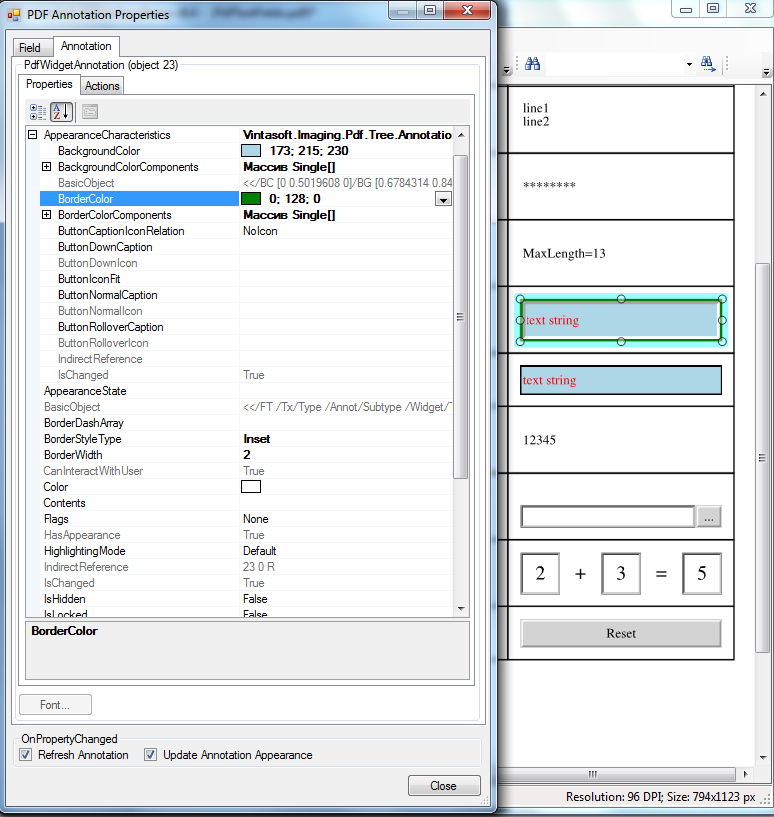
VintaSoft PDF 编辑器演示中使用鼠标和键盘创建和更改 PDF 注释

VintaSoft PDF 编辑器演示 允许:


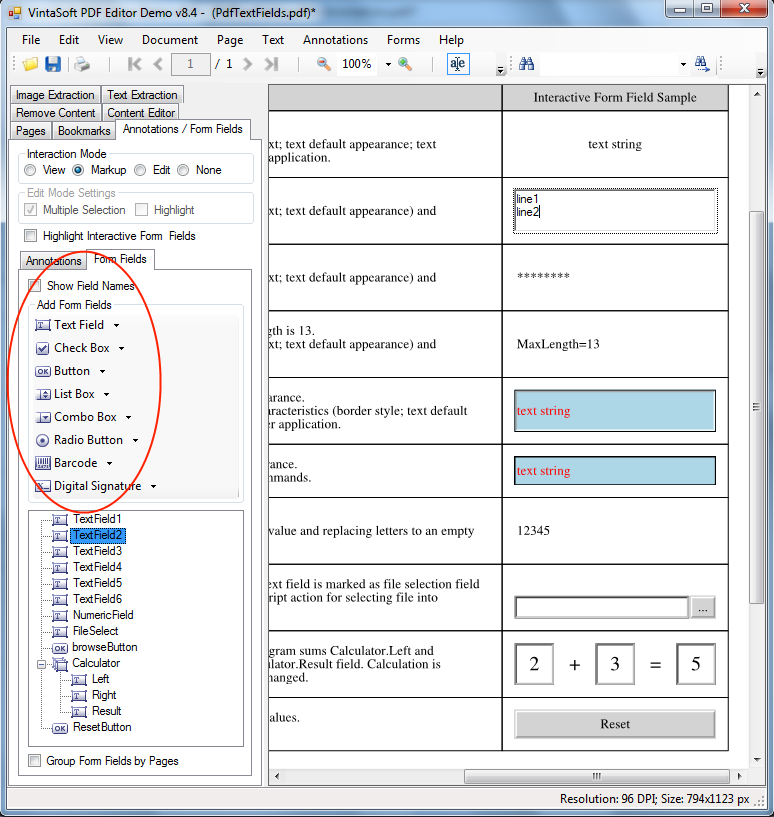
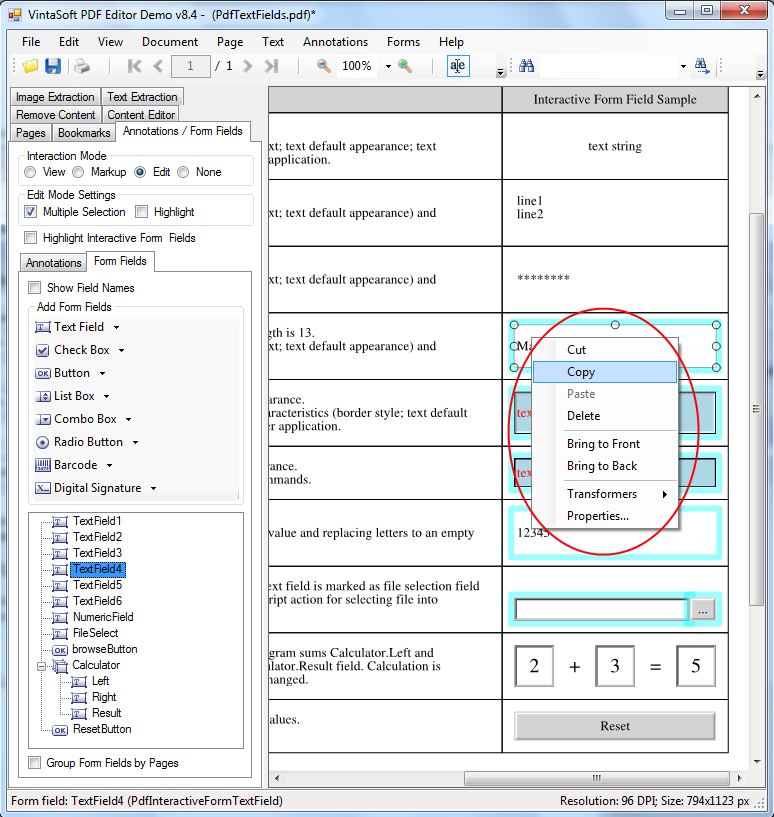
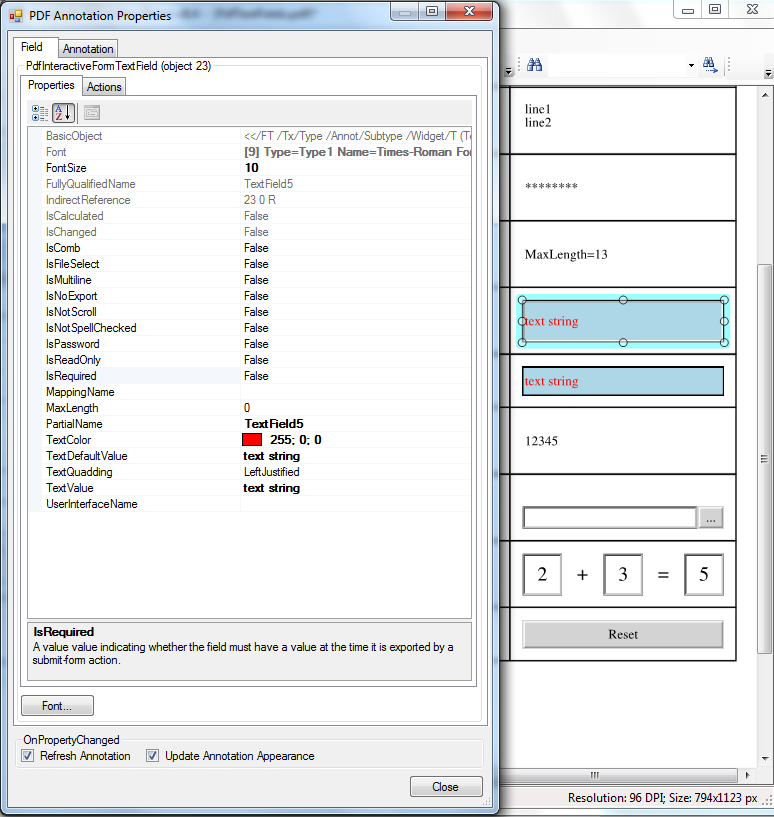
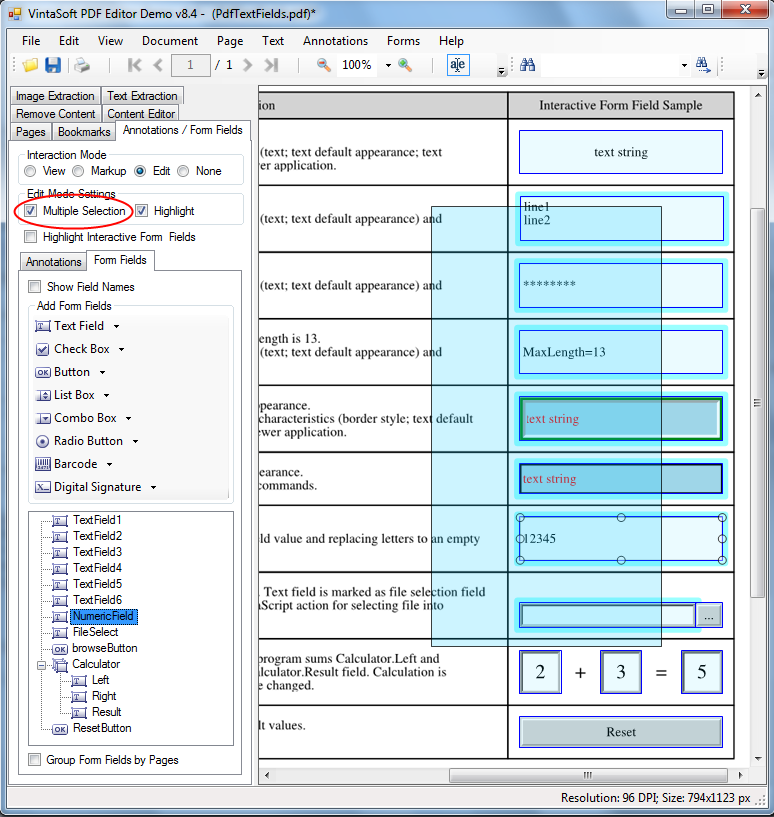
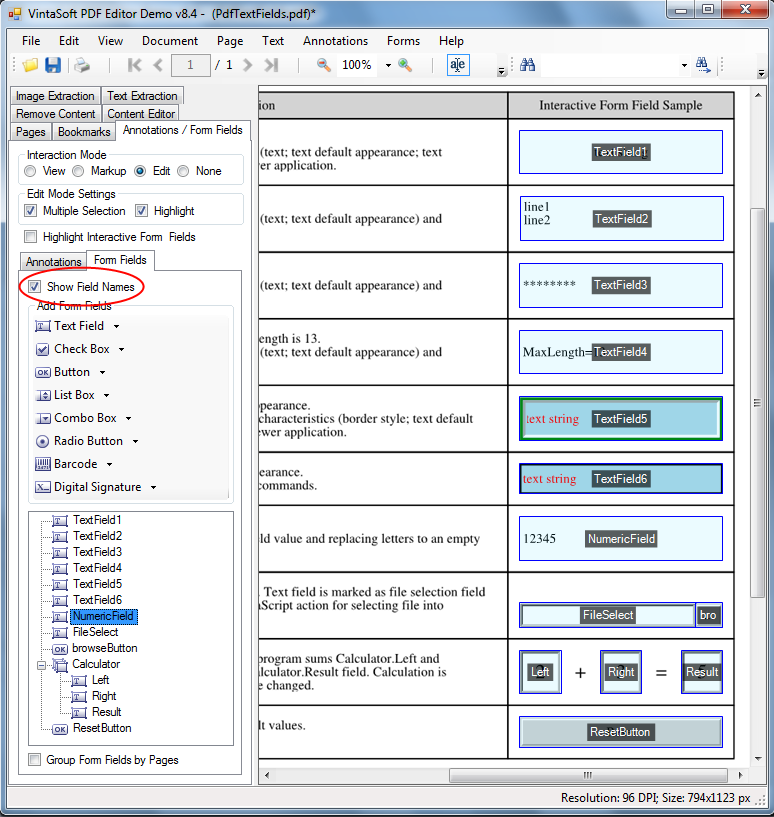
VintaSoft PDF 编辑器演示中使用鼠标和剪贴板填写、创建和编辑 PDF 交互式字段

VintaSoft PDF 编辑器演示 允许:


VintaSoft PDF 编辑器演示中使用不同的交互模式

查看 模式用于查看 PDF 文档并填写 PDF 交互式字段。
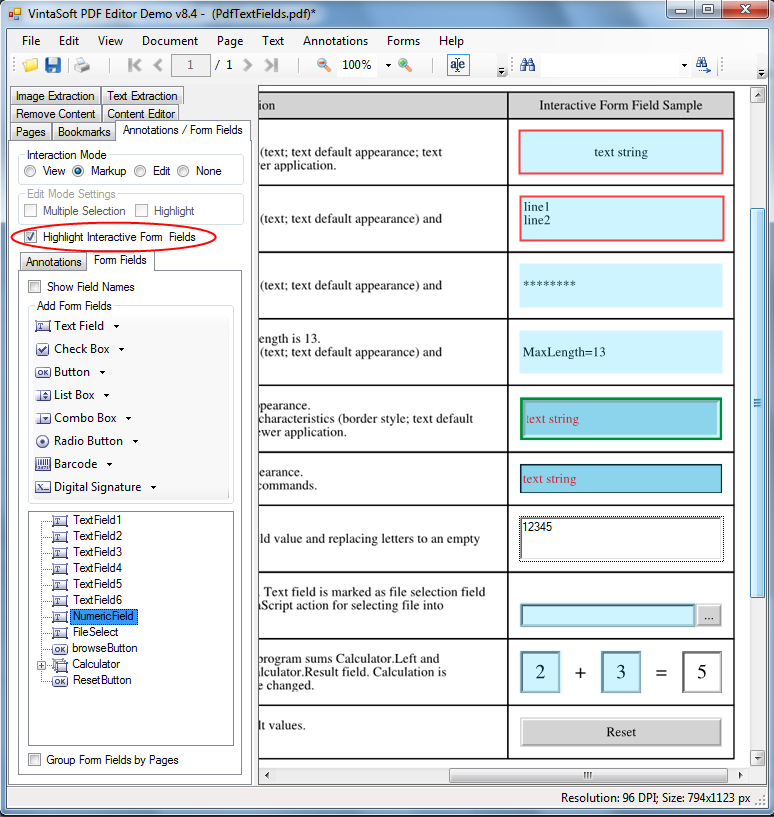
标记 模式用于查看和注释 PDF 文档并填写 PDF 交互式字段。
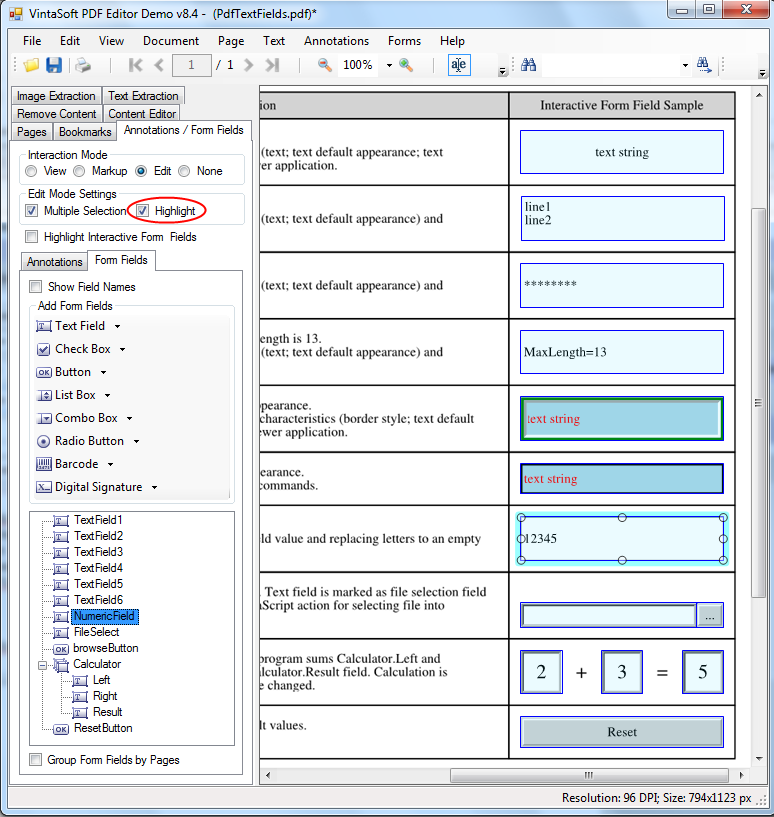
编辑 模式用于查看 PDF 文档、编辑 PDF 注释和 PDF 交互式字段。

查看编辑模式下:


编辑模式下:


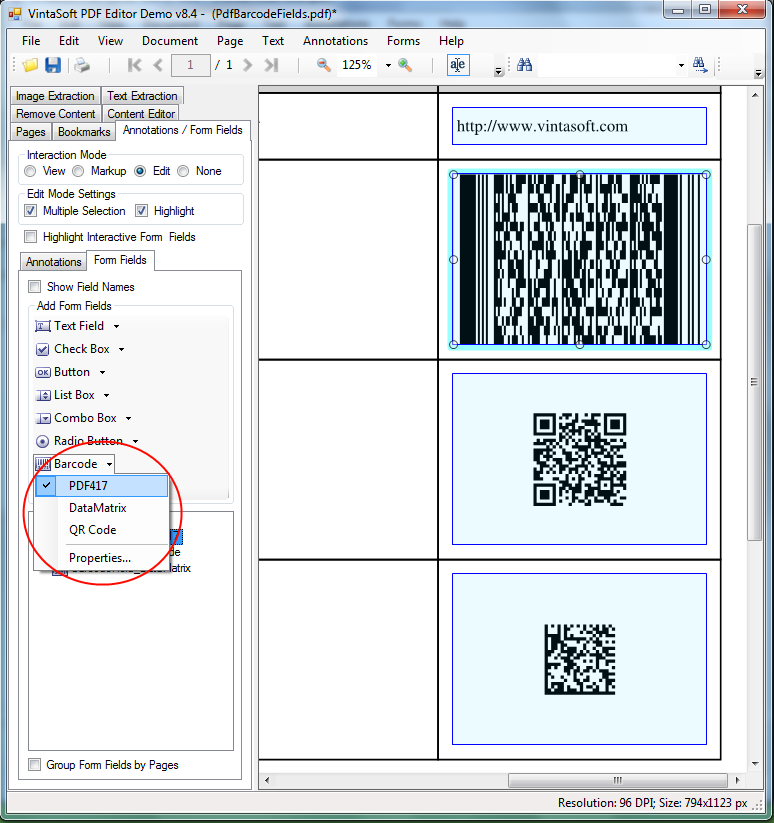
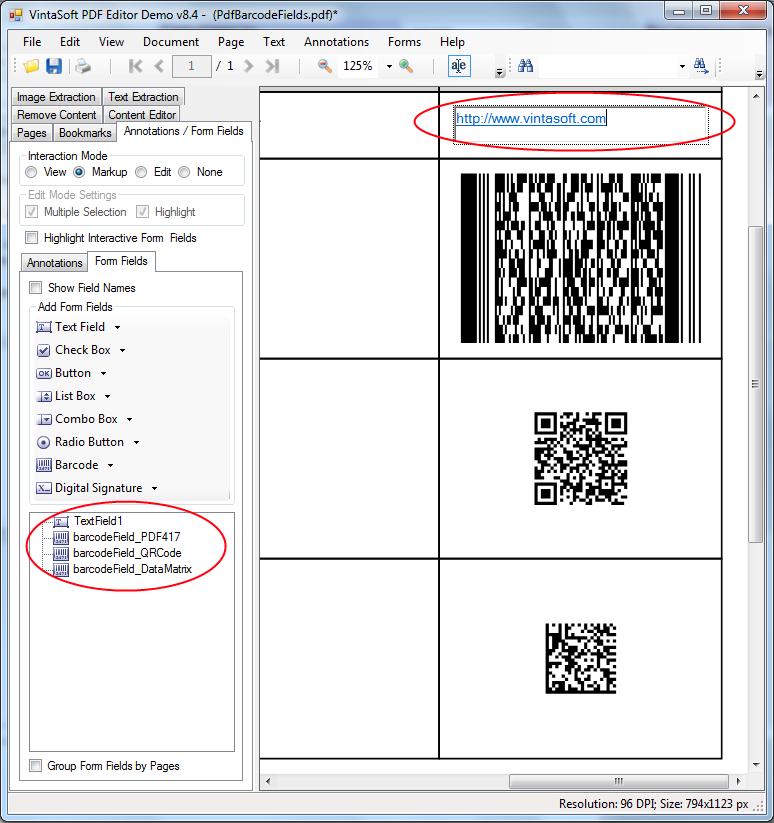
VintaSoft PDF 编辑器演示中使用条形码字段

VintaSoft PDF Editor Demo 使用 VintaSoft Barcode .NET SDK 生成条形码,并允许根据"PDF 1.7 ExtensionLevel 3"规范创建和编辑条形码字段。

允许使用三种条形码类型:QR 码、DataMatrix、PDF417
Use PDF interactive field with QR Code, DataMatrix, PDF417 barcode in VintaSoft PDF Editor Demo

可以使用 JavaScript 代码动态计算条形码值(例如,条形码可以包含所有表单值,并用字符"|"分隔,并且当任何字段更改时,条形码值也会更改):
Dynamically calculate value of PDF interactive barcode field in VintaSoft PDF Editor Demo


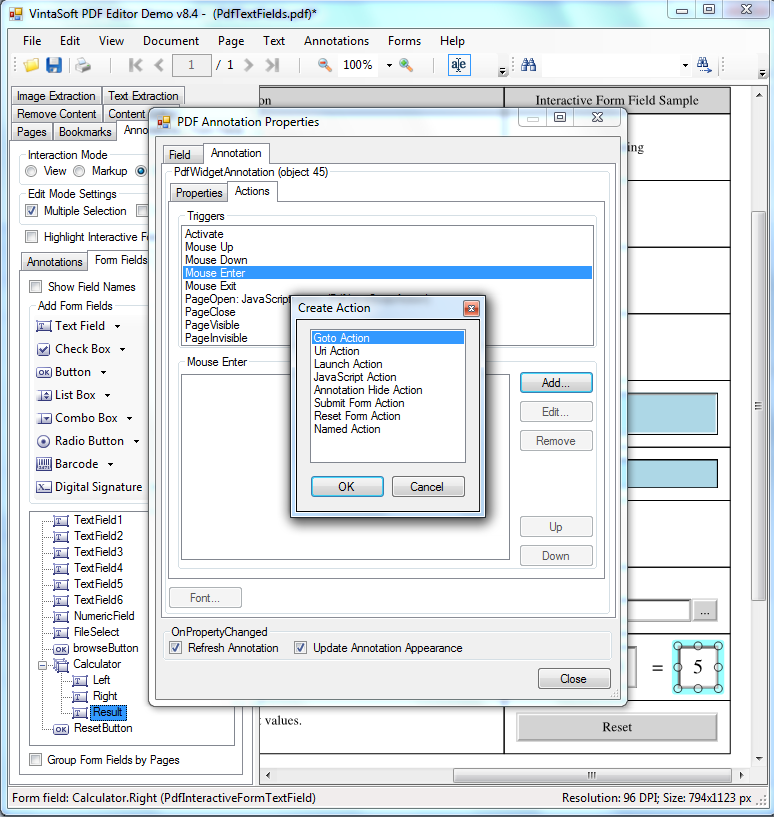
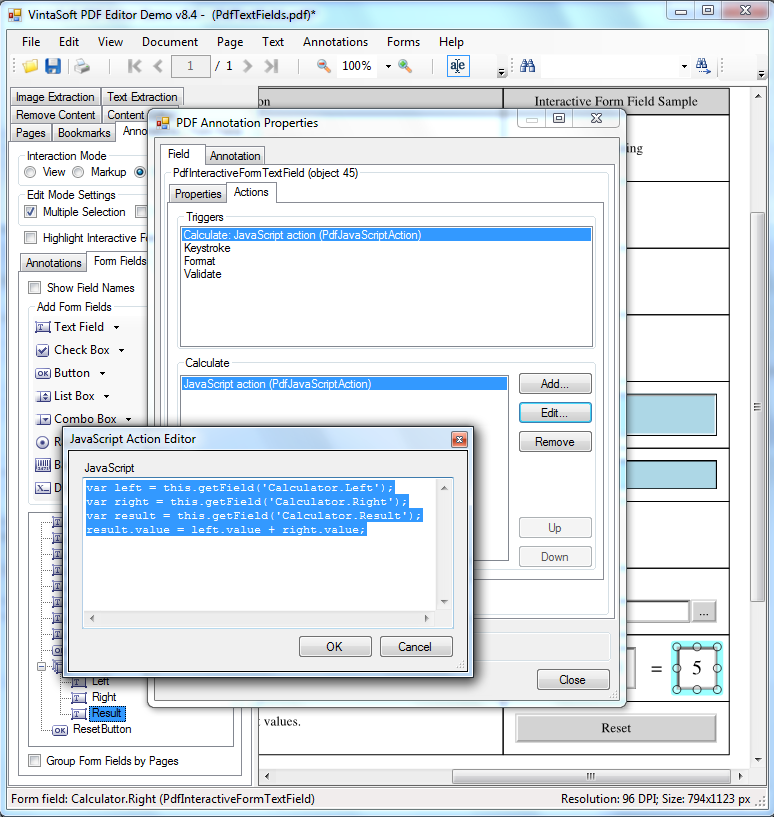
VintaSoft PDF 编辑器演示中执行 JavaScript 代码

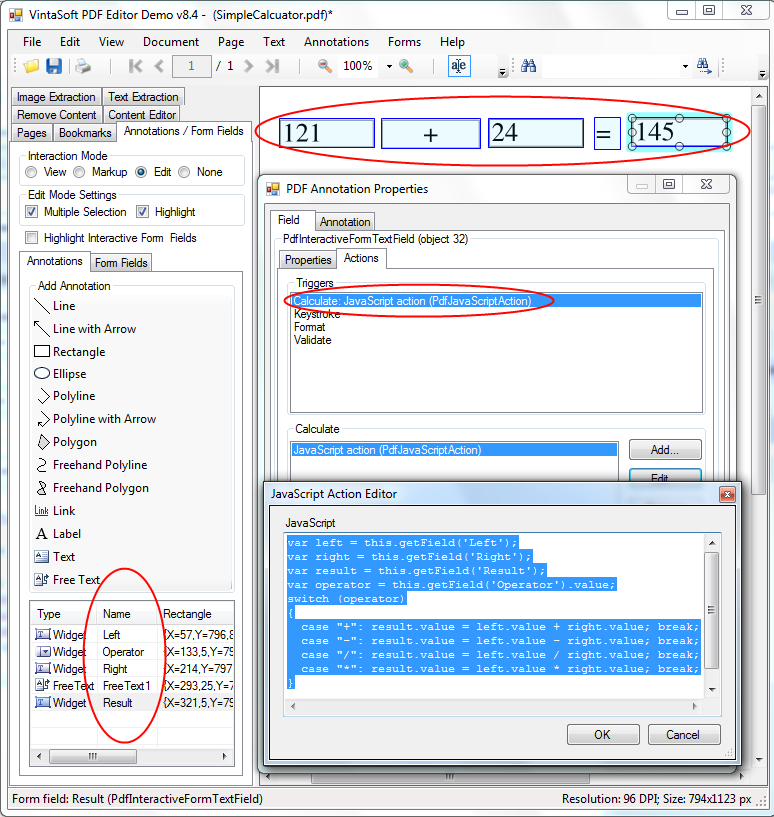
让我们创建一个 PDF 文档,其中包含一个简单的"计算器",用于测试在 PDF 中执行 JavaScript 操作。为此,我们需要执行以下步骤:

Perform JavaScript code in VintaSoft PDF Editor Demo

带有计算器的生成的 PDF 文档已准备就绪,可以在VintaSoft PDF 编辑器演示和任何其他 PDF 查看器应用程序中进行测试! :-)


VintaSoft PDF Editor Demo中调试 JavaScript 代码

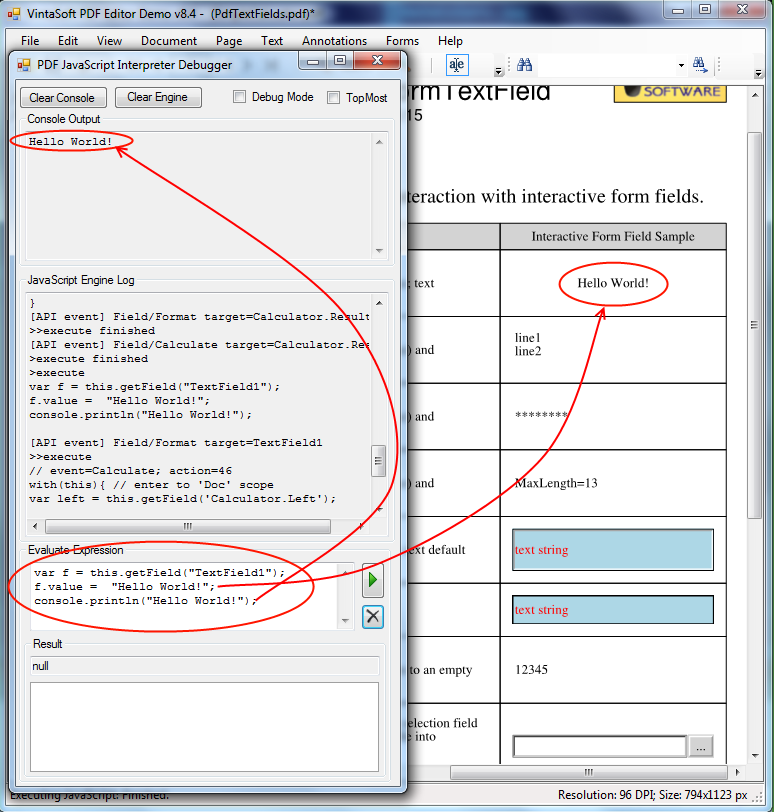
VintaSoft PDF Editor Demo中,如果选择菜单"查看 -> JavaScript -> 调试器",则可以调试 JavaScript 代码:
Debug JavaScript code in VintaSoft PDF Editor Demo


VintaSoft PDF Editor Demo的源代码

VintaSoft PDF Editor Demo 的源代码可以在 VintaSoft Imaging .NET SDK 的发行包中找到,并可用作您自己的代码的模板。