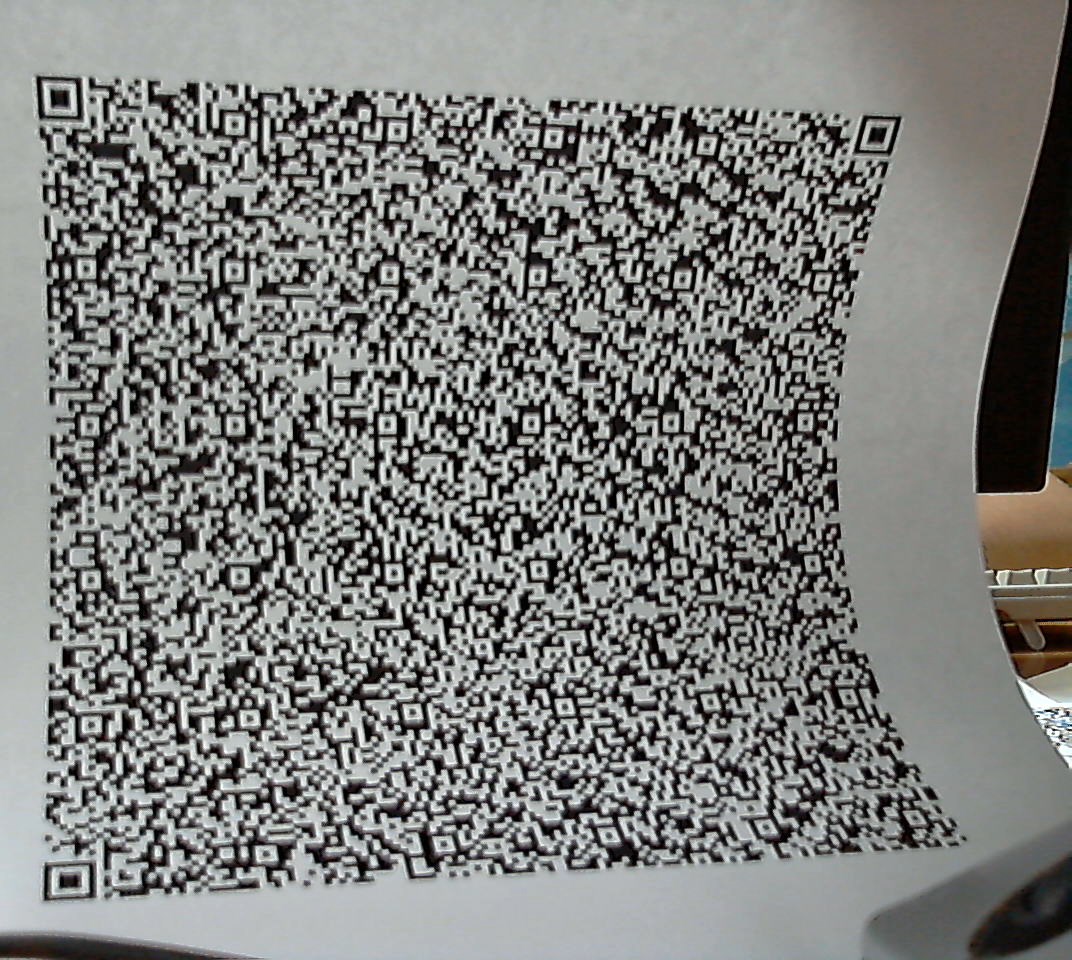
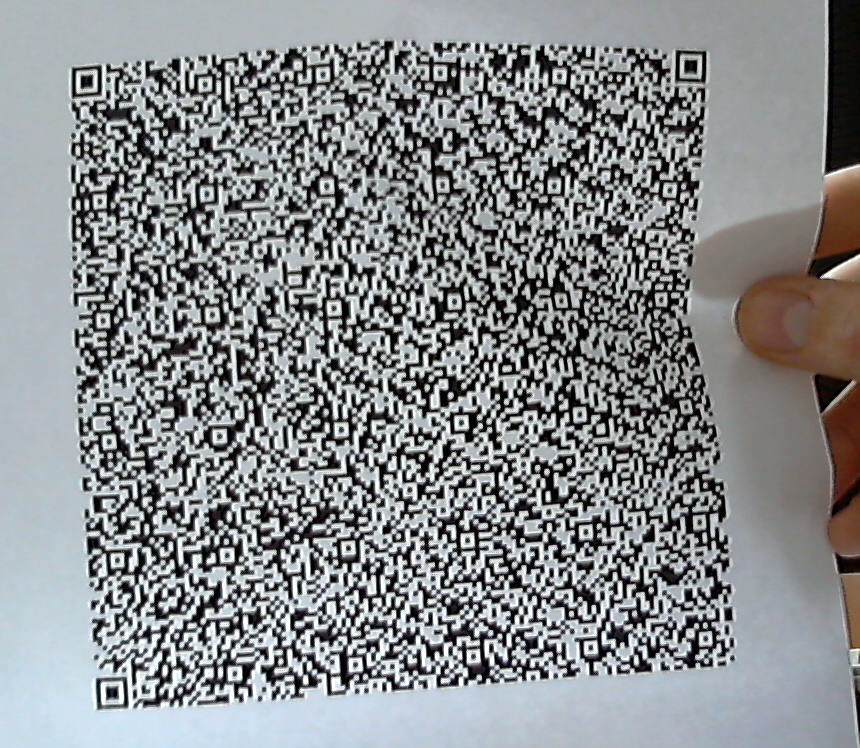
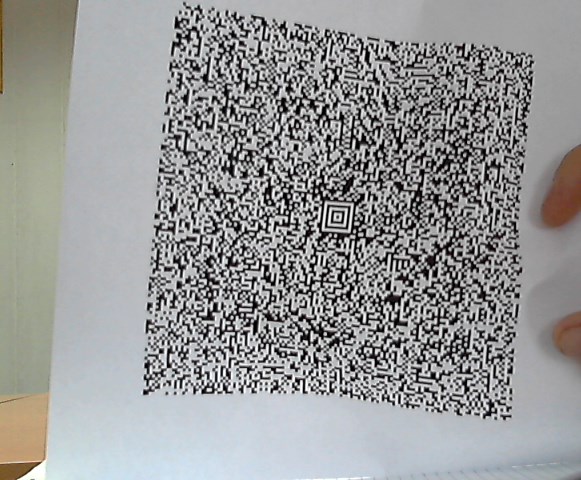
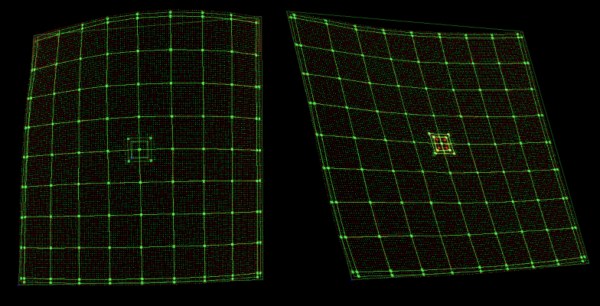
在.NET中识别具有空间扭曲的二维矩阵条形码
2020/05/06

/// <summary>
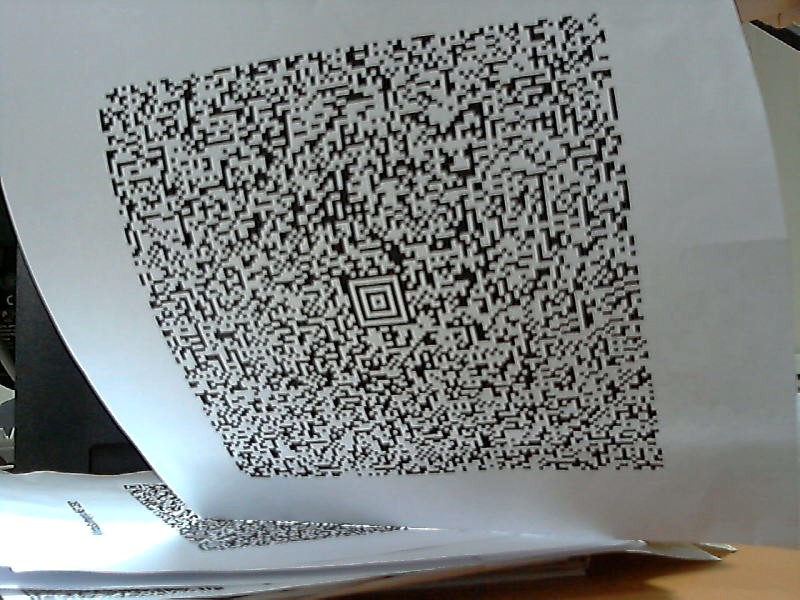
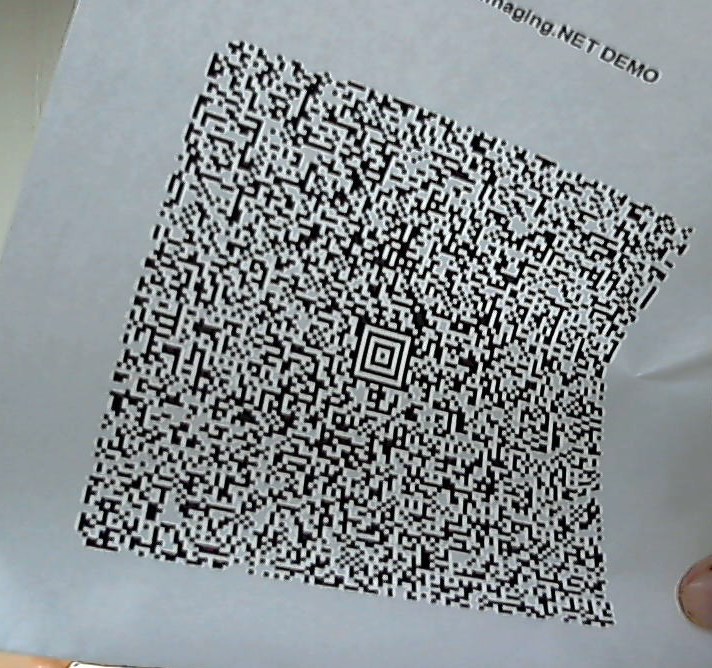
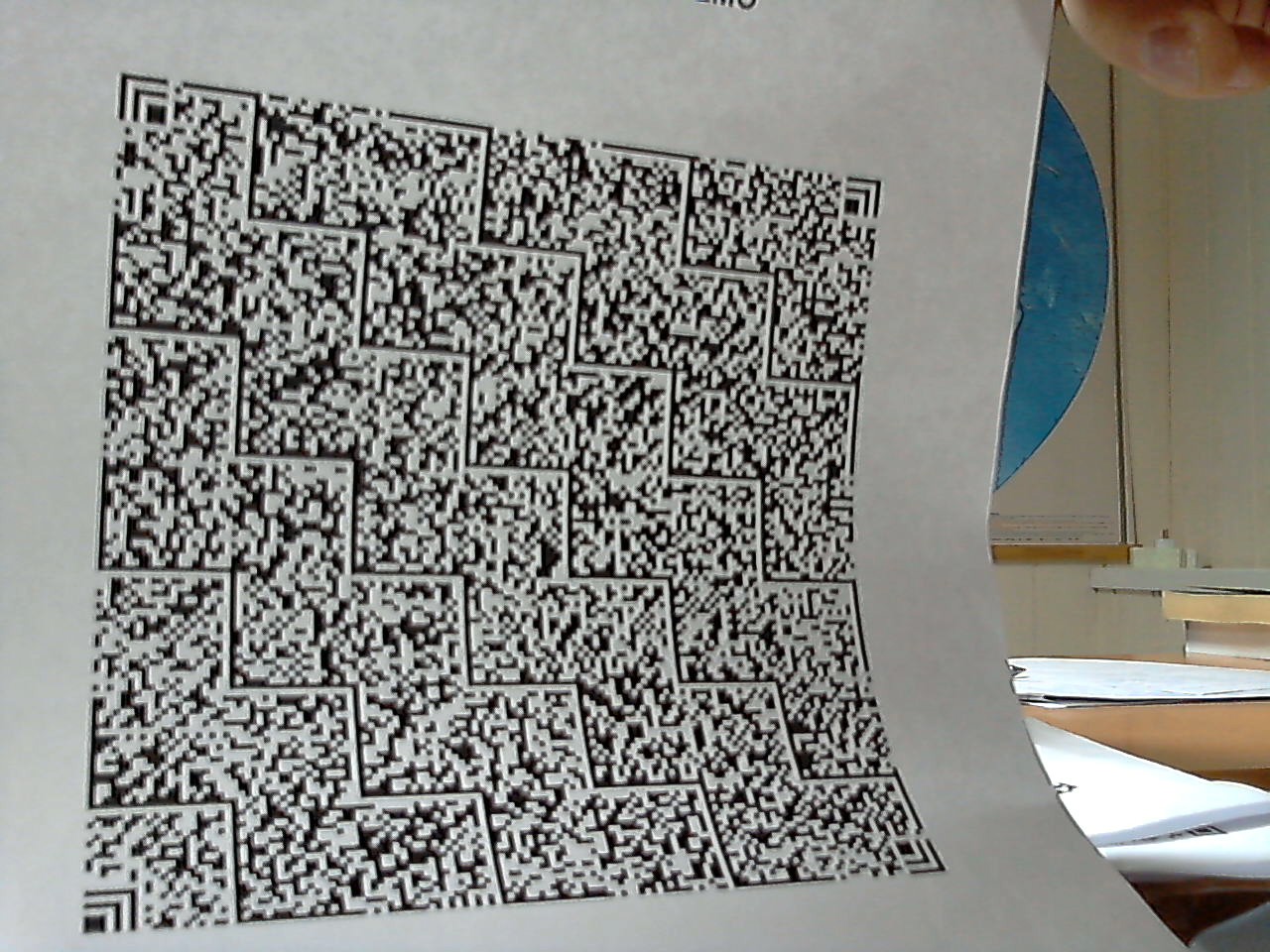
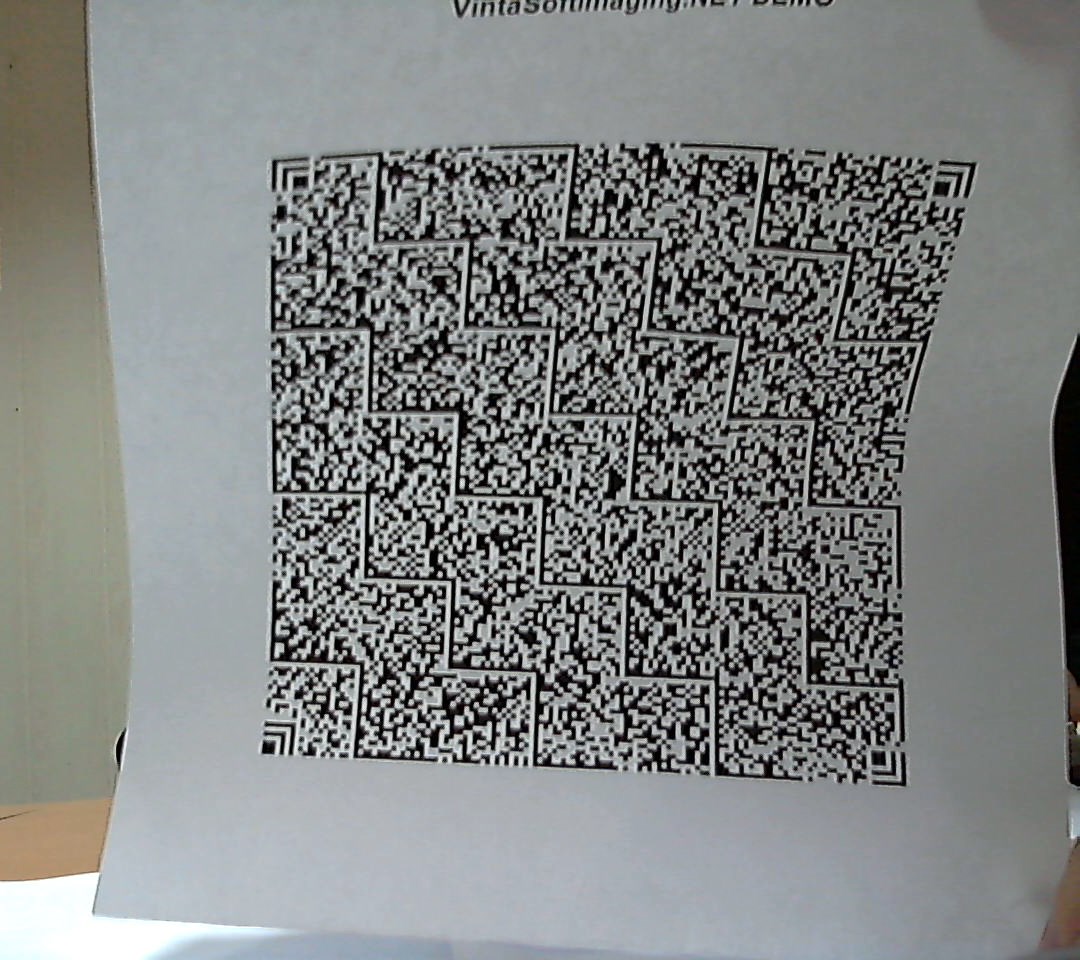
/// Recognizes 2D matrix barcodes (Aztec, QR Code and Han Xin Code) with spatial distortions.
/// </summary>
public void Recognize2dBarcodeWithSpatialDistortions()
{
// create barcode reader
using (Vintasoft.Barcode.BarcodeReader reader = new Vintasoft.Barcode.BarcodeReader())
{
// specify that reader must search for Aztec, QR and Han Xin Code barcodes
reader.Settings.ScanBarcodeTypes = Vintasoft.Barcode.BarcodeType.Aztec |
Vintasoft.Barcode.BarcodeType.QR |
Vintasoft.Barcode.BarcodeType.HanXinCode;
// specify that reader must search for horizontal and vertical barcodes only
reader.Settings.ScanDirection = Vintasoft.Barcode.ScanDirection.Horizontal | Vintasoft.Barcode.ScanDirection.Vertical;
// read barcodes from image file
Vintasoft.Barcode.IBarcodeInfo[] barcodeInfos = reader.ReadBarcodes("barcodes.png");
// if barcodes are not detected
if (barcodeInfos.Length == 0)
{
System.Console.WriteLine("Barcodes are not found.");
}
// if barcodes are detected
else
{
// get information about recognized barcodes
System.Console.WriteLine(string.Format("{0} barcode(s) found:", barcodeInfos.Length));
System.Console.WriteLine();
for (int i = 0; i < barcodeInfos.Length; i++)
{
Vintasoft.Barcode.IBarcodeInfo barcodeInfo = barcodeInfos[i];
System.Console.WriteLine(string.Format("[{0}:{1}]", i + 1, barcodeInfo.BarcodeType));
System.Console.WriteLine(string.Format("Value: {0}", barcodeInfo.Value));
System.Console.WriteLine(string.Format("Region: {0}", barcodeInfo.Region));
System.Console.WriteLine();
}
}
}
}