VintaSoft Annotation .NET Plug-in
Draw image annotations onto TIFF, PNG, JPEG, DICOM and PDFs in .NET, WPF and ASP.NET

Image annotations are used to markup and draw various objects onto an image or document. This is very effective for office document workflow systems, medical recording systems, database systems and other systems for automatization of work with electronic image documents.
VintaSoft Annotation .NET Plug-in is the add-on for VintaSoft Imaging .NET SDK, which allows to annotate TIFF, PNG, JPEG, DICOM images and PDF documents.
The evaluation version allows you to test the VintaSoft Imaging .NET SDK with Plug-ins features for free during 30 days trial period and determine if the SDK functionality suits your needs in practice.
Also the evaluation version has some functional restrictions. You have to acquire a license if you want to use the SDK without evaluation restrictions.
Downloading the evaluation version of VintaSoft Imaging .NET SDK enables you to try out all Plug-ins -
Annotation, PDF, Office, OCR, DICOM, JBIG2, JPEG2000, Document Cleanup, Forms Processing.
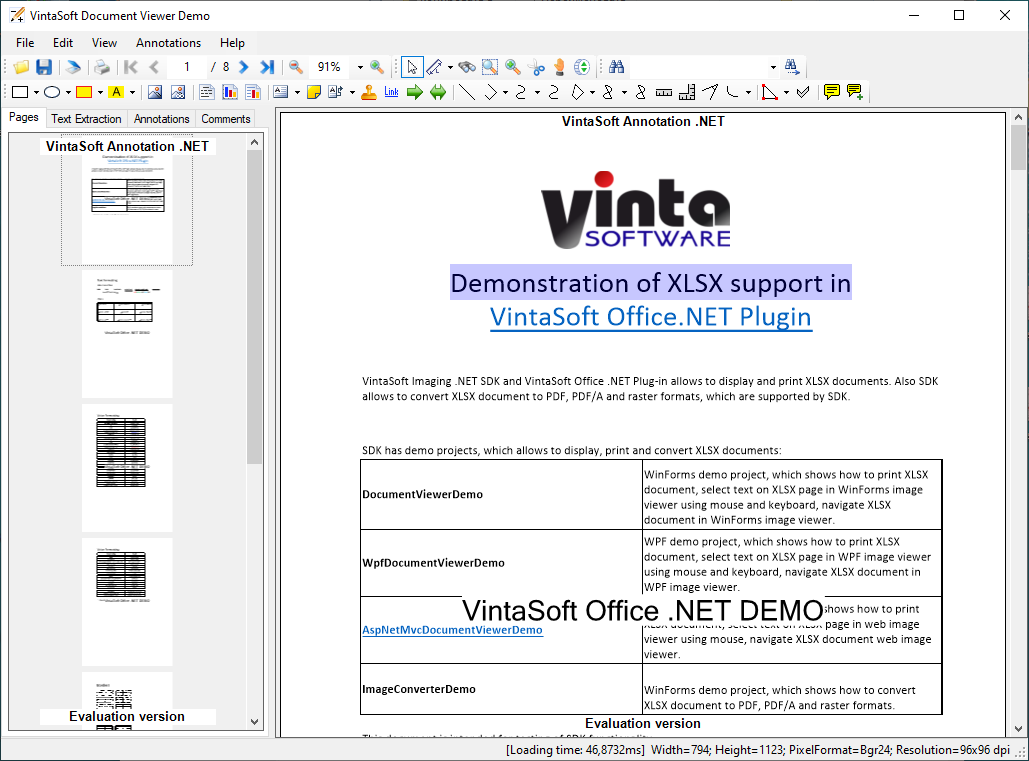


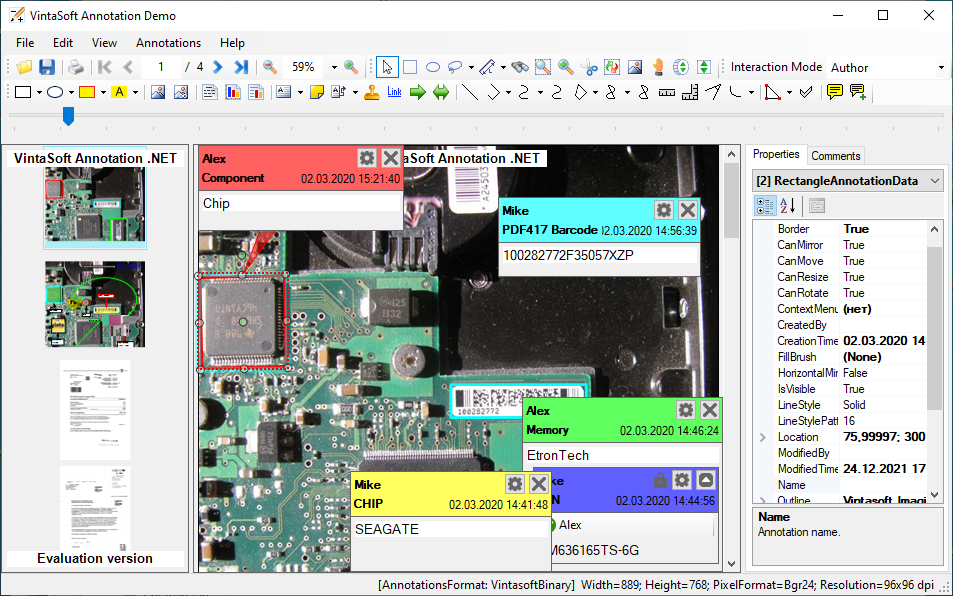


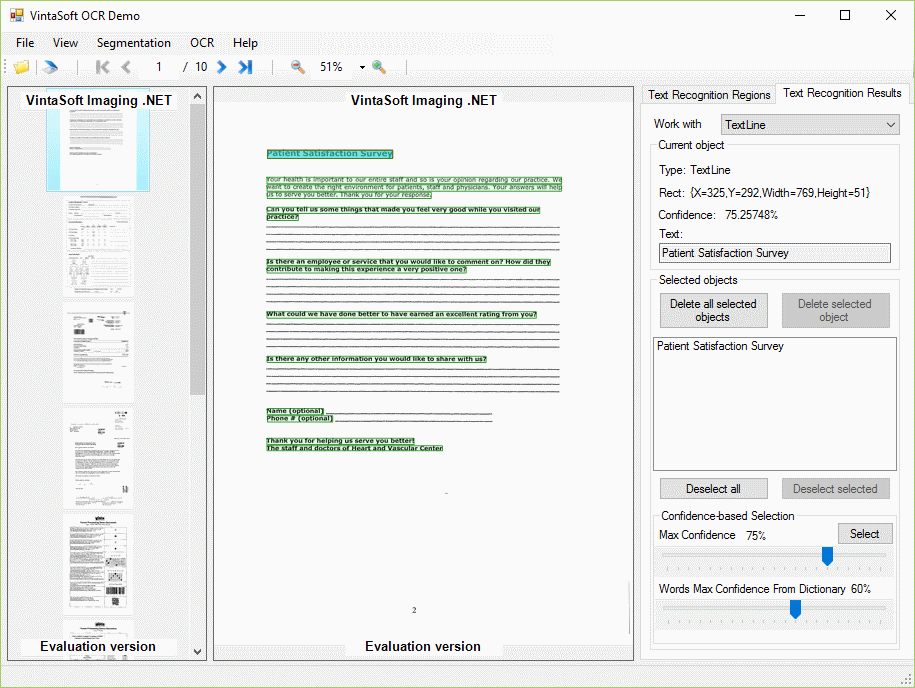

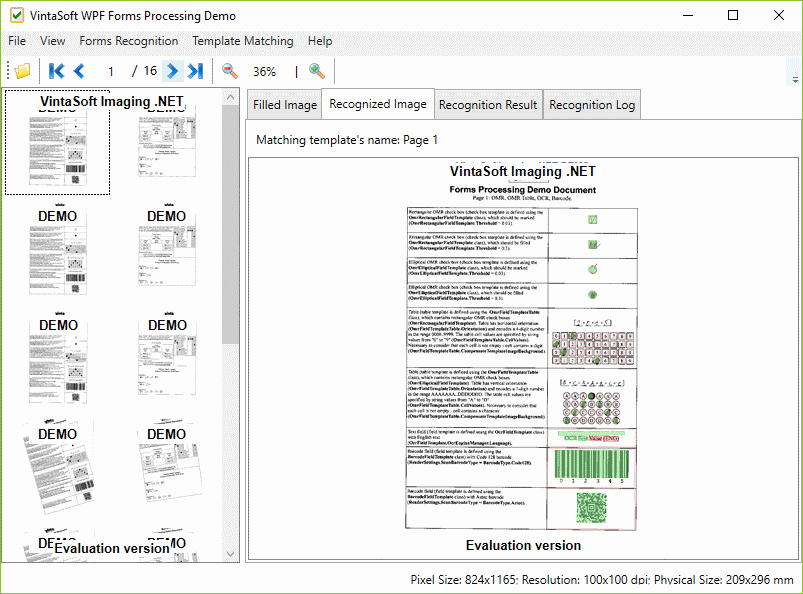


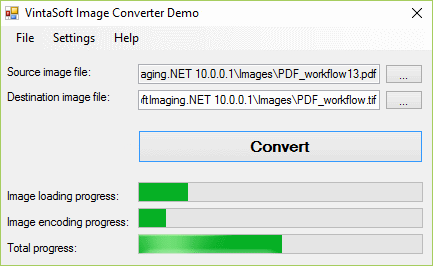

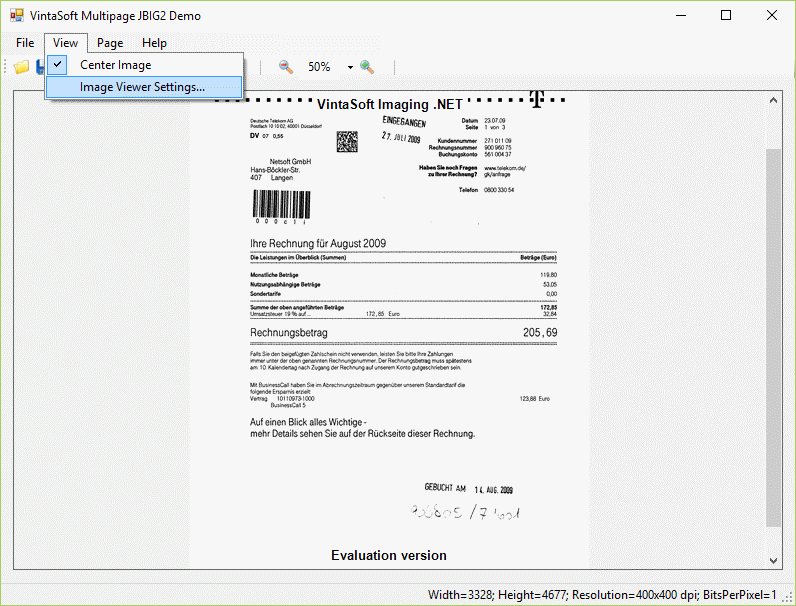

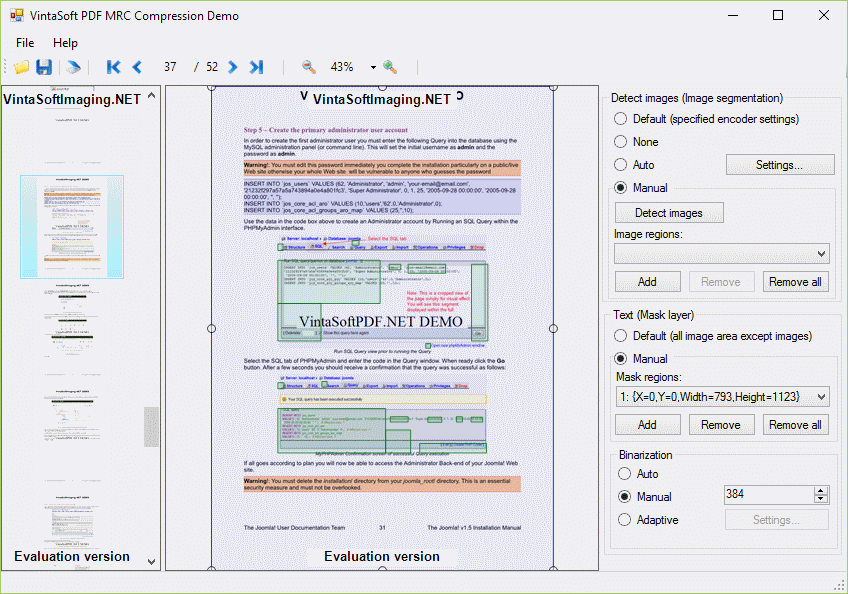


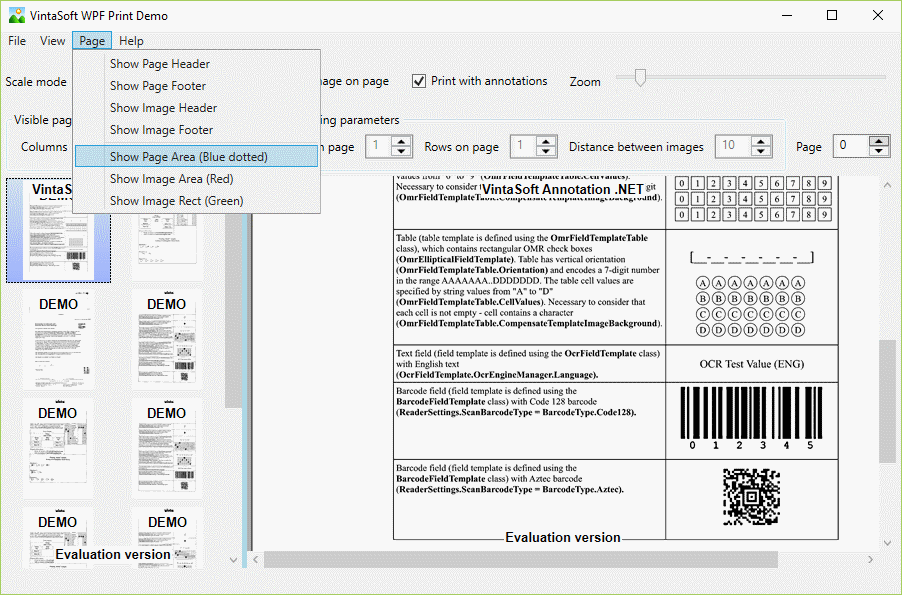
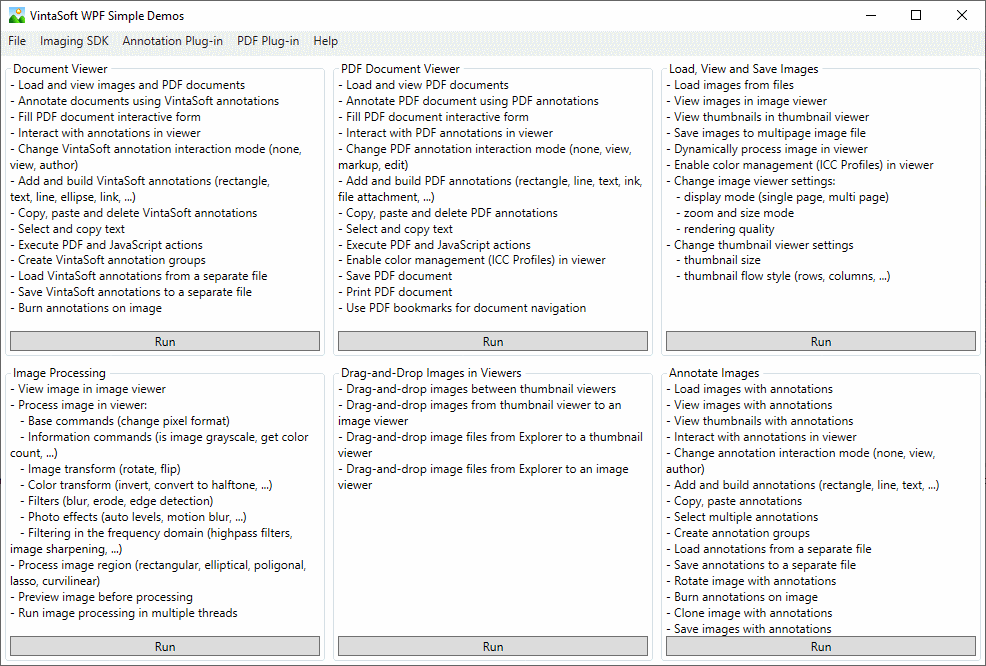
The SDK comes with demo applications for WPF, WinForms, console, ASP.NET Core (ASP.NET Core Web API + JavaScript + Bootstrap), ASP.NET Core with Angular (ASP.NET Core Web API + TypeScript + Bootstrap), ASP.NET MVC5 (ASP.NET Web API 2 + JavaScript + jQuery UI) and ASP.NET WebForms (ASP.NET HTTP handlers + JavaScript + jQuery UI), which are demonstrating the general SDK features. The demo applications simplify the process of SDK functionality evaluation allowing quickly determine whether it suits your specific requirements.
Each demo application comes as source code example written in C# or VB.NET for use in Microsoft Visual Studio, Microsoft Studio Code, .NET CLI.
You have to download and install the SDK evaluation version to your computer if you want to run and test our demo applications.
Existing license holders can use the source code examples of demo applications as templates for their own applications.
If your goal is to develop an ASP.NET application and you want to make a quick review of the SDK functionality without installing it to your computer, you can do the test using our on-line web demo applications.
The SDK is delivered with detailed technical documentation file, which includes User Guide, .NET API Reference, Web API Reference (JavaScript, TypeScript and web services).
The documentation is designed for persons having at least basic knowledges and skills in programming of software applications.
The list of general release notes showing the SDK development history is available here: History
The documentation file for off-line use can be downloaded from below links:
.NET
WEB
The information about all available support resources can be found on our Support page.
The SDK has also a list of frequently asked questions and answers to them: F.A.Q. page.
VintaSoft products discussions in the Community Forums provide a convenient place for programmers to exchange information. Please search or post your technical questions there. VintaSoft's Customer Support Service monitors forums every workday.
Сontact us if you are unable to find necessary answer or solution in the presented support resources and technical documentation or if you want us to show you how VintaSoft products can help to fulfil your specific requirements.
Any Plug-in is the add-on for VintaSoft Imaging .NET SDK and can be used only together with the VintaSoft Imaging .NET SDK, i.e. the license for both the SDK and Plug-in is necessary if you want to use any Plug-in function in your application.
VintaSoft licensing is very flexible and allows the development of applications for both royalty free distribution and for deployment to a local server machine.
For using the VintaSoft Imaging .NET SDK and Plug-ins in production is necessary to choose and acquire the right license for your application from a few offered types.
Developer licenses are intended for use by a named developer. Site licenses allow to use the SDK by a group of developers working at the same office.
The licenses for Desktop PCs allow to use the SDK in your applications and distribute them royalty free to any desktop computer.
The licenses for Servers allow to use the SDK in your applications and distribute them royalty free to servers.
Single Server license is issued for an invariable network configuration of dedicated server machine.
All you need to know about the VintaSoft Imaging .NET SDK and Plug-ins licensing you can read in the License agreement.