VintaSoft Twain .NET SDK - Examples
Demo applications with source codes for C#, VB.NET and JavaScript

VintaSoft Twain .NET SDK comes with demo applications for WPF, WinForms, console, HTML + JavaScript, ASP.NET Core, ASP.NET Core + Angular, ASP.NET MVC5 and ASP.NET WebForms, which are demonstrating the general SDK features. The demo applications simplify the process of SDK functionality evaluation allowing quickly determine whether it suits your specific requirements.
Existing license holders can use the source code examples of demo applications as templates for their own applications.
Please see below the full list of demo applications offered for the SDK evaluation.
You have to download and install the SDK evaluation version to your computer if you want to run and test our demo applications.
TWAIN Console Demo shows how to acquire images from TWAIN scanner in a console application for Windows and Linux.
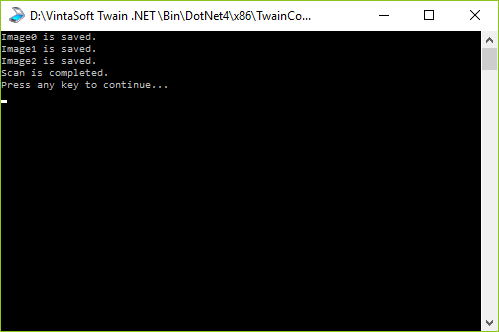
For getting the source codes of demo you need to do the following steps:
TWAIN Simple Demo shows how to acquire images from TWAIN scanner in WinForms or WPF application.
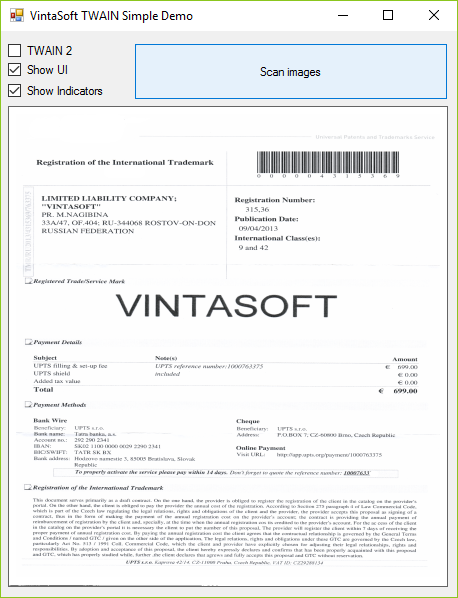
For getting the source codes of demo you need to do the following steps:
TWAIN Advanced Demo shows how to enumerate TWAIN scanners, get TWAIN scanner capabilities, acquire images from TWAIN scanner, process scanned images, save scanned images to a file or upload to HTTP(S) or FTP server.

For getting the source codes of demo you need to do the following steps:
TWAIN Custom UI Demo shows how to acquire images from TWAIN scanner using customized (user-defined) user interface.

For getting the source codes of demo you need to do the following steps:
TWAIN File Transfer Demo shows how to acquire images from TWAIN scanner and save acquired images directly to a disk.

For getting the source codes of demo you need to do the following steps:
TWAIN Extended Image Info Demo shows how to get extended image information from TWAIN scanner about scanned image.

For getting the source codes of demo you need to do the following steps:
"WIA Image Scanning Console Demo" shows how to acquire images from WIA image scanner in console application for Windows.
For getting the source codes of demo you need to do the following steps:
SANE Console Demo shows how to acquire images from SANE scanner in a console application for Linux.
For getting the source codes of demo you need to do the following steps:
"eSCL Image Scanning Console Demo" shows how to acquire images from eSCL image scanner in console application for Windows and Linux.
For getting the source codes of demo you need to do the following steps: