Erkennung von 2D-Matrix-Barcodes mit räumlichen Verzerrungen in .NET

Blog-Kategorie: Barcode.NET

06.05.2020

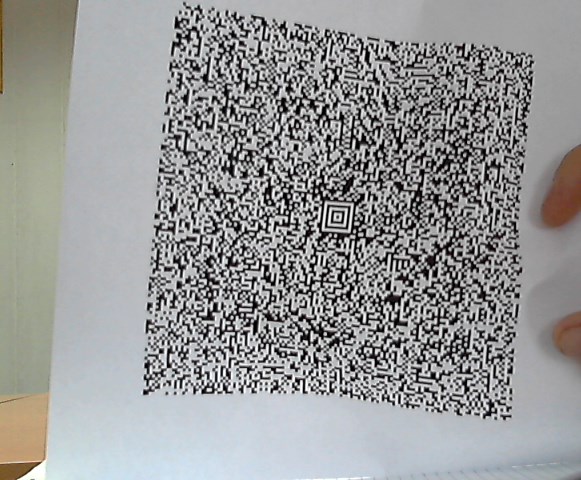
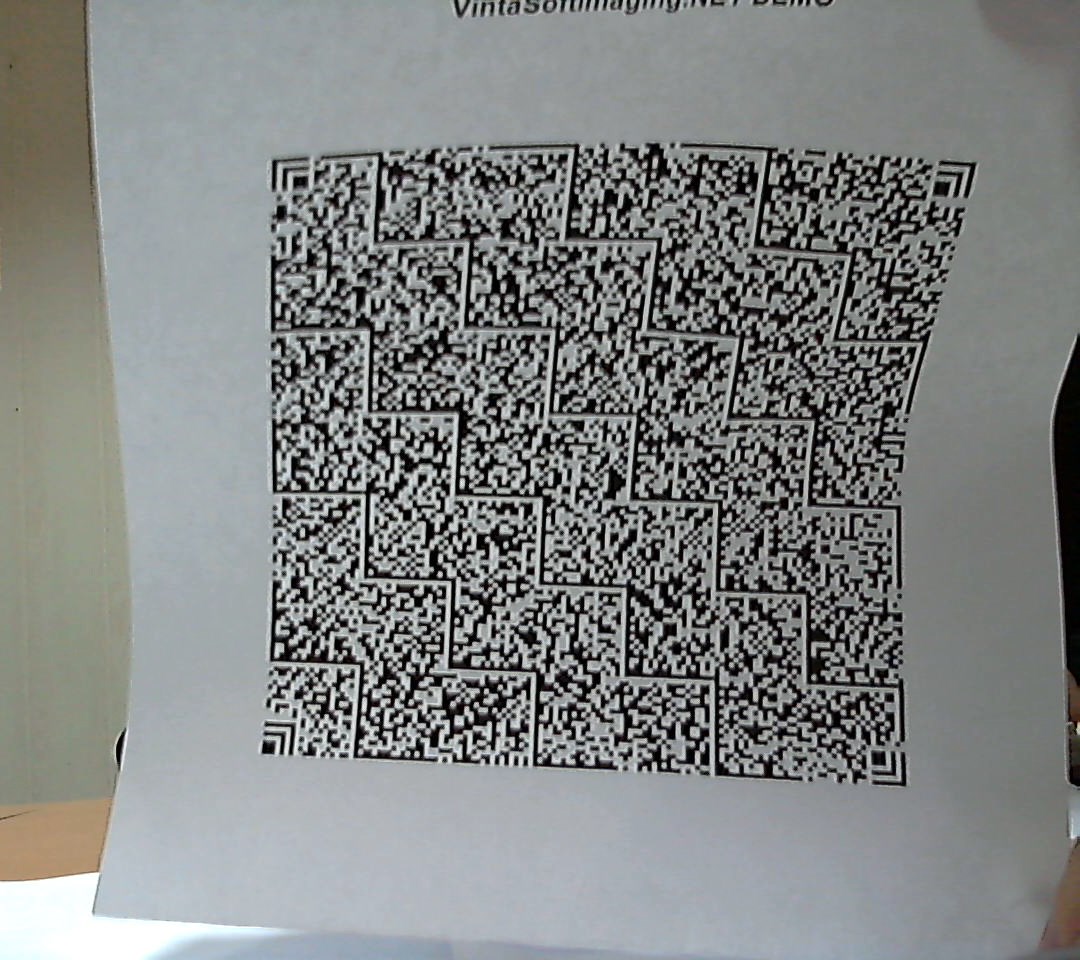
Das VintaSoft Barcode .NET SDK kann in .NET/C#-Anwendungen zur Erkennung von zweidimensionalen Aztec-, QR- und Han-Xin-Code-Barcodes mit zufälligen Oberflächenverzerrungen verwendet werden. In der Praxis vereinfacht dies die Barcode-Erkennung mit Kameras (Fotokamera, Webcam oder Smartphone) erheblich, da der Barcode nicht mehr vor der Kamera ausgerichtet werden muss und sogar Barcodes auf unebenen Oberflächen erkannt werden können.

First sample of Aztec barcode with spatial distortions


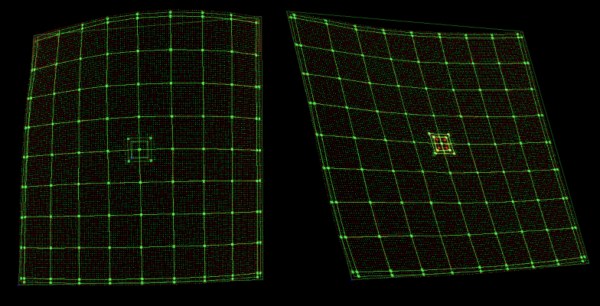
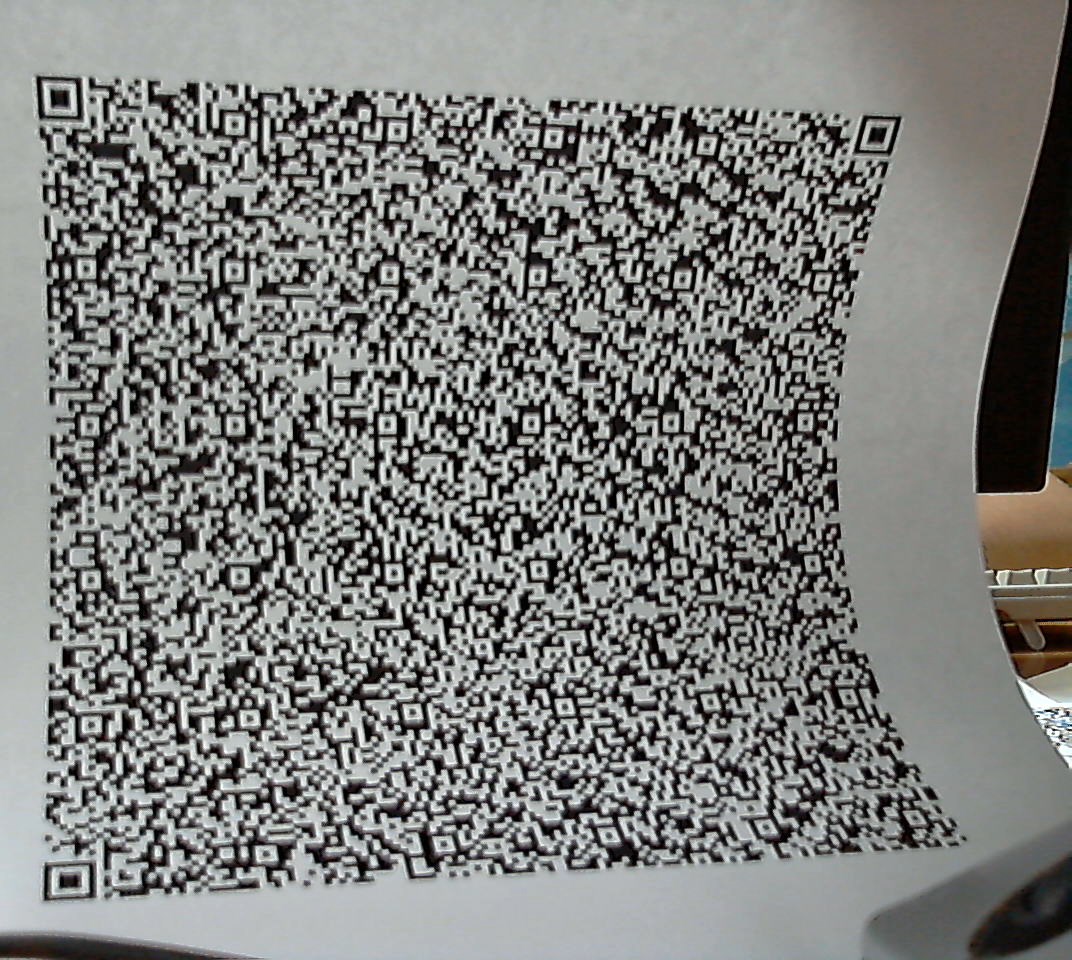
Unsere Entwickler haben viele faszinierende Stunden damit verbracht, den Algorithmus zur Verzerrungskorrektur mithilfe von Web- und Fotokameras zu entwickeln und zu verbessern.Im Folgenden können Sie solche Barcodes durch die "Augen" unseres Barcode-Lesegeräts betrachten:

View to the Aztec barcode with spatial distortions via 'eyes' of barcode reader of VintaSoft Barcode .NET SDK

Irgendwann begannen unsere Entwickler, die Barcodes genau so zu sehen. :)


Hier ist C#-Code, der die Erkennung von Aztec-, QR- und Han-Xin-Code-Barcodes mit räumlichen Verzerrungen ermöglicht:
/// <summary>
/// Recognizes 2D matrix barcodes (Aztec, QR Code and Han Xin Code) with spatial distortions.
/// </summary>
public void Recognize2dBarcodeWithSpatialDistortions()
{
    // create barcode reader
    using (Vintasoft.Barcode.BarcodeReader reader = new Vintasoft.Barcode.BarcodeReader())
    {
        // specify that reader must search for Aztec, QR and Han Xin Code barcodes
        reader.Settings.ScanBarcodeTypes = Vintasoft.Barcode.BarcodeType.Aztec |
            Vintasoft.Barcode.BarcodeType.QR |
            Vintasoft.Barcode.BarcodeType.HanXinCode;

        // specify that reader must search for horizontal and vertical barcodes only
        reader.Settings.ScanDirection = Vintasoft.Barcode.ScanDirection.Horizontal | Vintasoft.Barcode.ScanDirection.Vertical;

        // read barcodes from image file
        Vintasoft.Barcode.IBarcodeInfo[] barcodeInfos = reader.ReadBarcodes("barcodes.png");

        // if barcodes are not detected
        if (barcodeInfos.Length == 0)
        {
            System.Console.WriteLine("Barcodes are not found.");
        }
        // if barcodes are detected
        else
        {
            // get information about recognized barcodes

            System.Console.WriteLine(string.Format("{0} barcode(s) found:", barcodeInfos.Length));
            System.Console.WriteLine();
            for (int i = 0; i &lt; barcodeInfos.Length; i++)
            {
                Vintasoft.Barcode.IBarcodeInfo barcodeInfo = barcodeInfos[i];
                System.Console.WriteLine(string.Format("[{0}:{1}]", i + 1, barcodeInfo.BarcodeType));
                System.Console.WriteLine(string.Format("Value:      {0}", barcodeInfo.Value));
                System.Console.WriteLine(string.Format("Region:     {0}", barcodeInfo.Region));
                System.Console.WriteLine();
            }
        }
    }
}
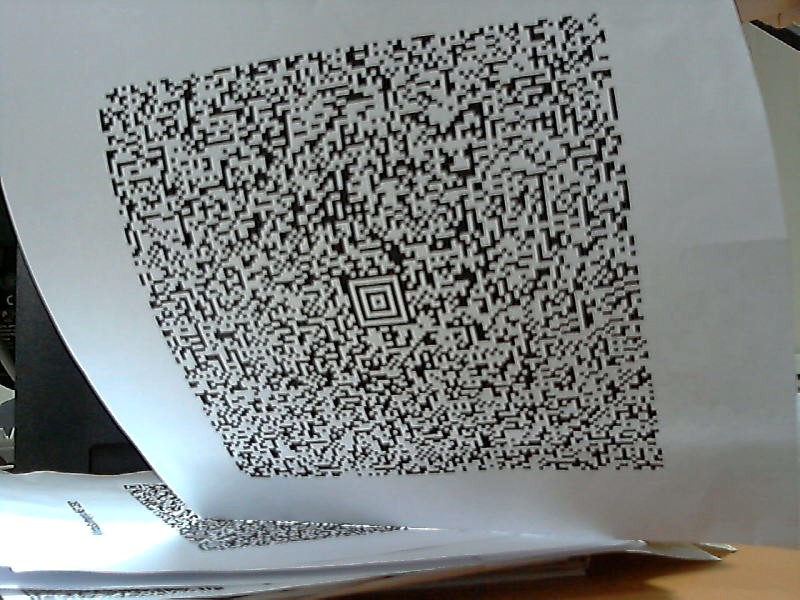

Die Tests haben gezeigt, dass der Barcode-Leser eine oder mehrere der unten aufgeführten Verzerrungsarten erfolgreich verarbeiten kann:

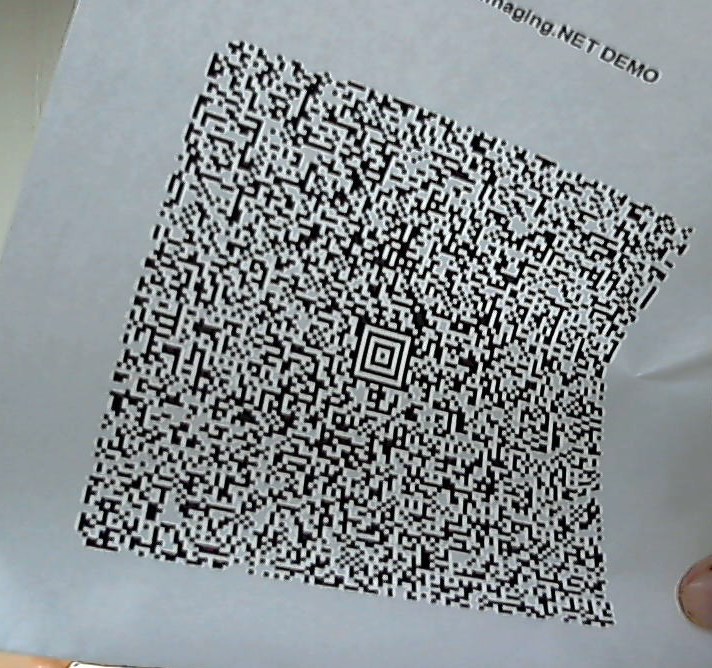
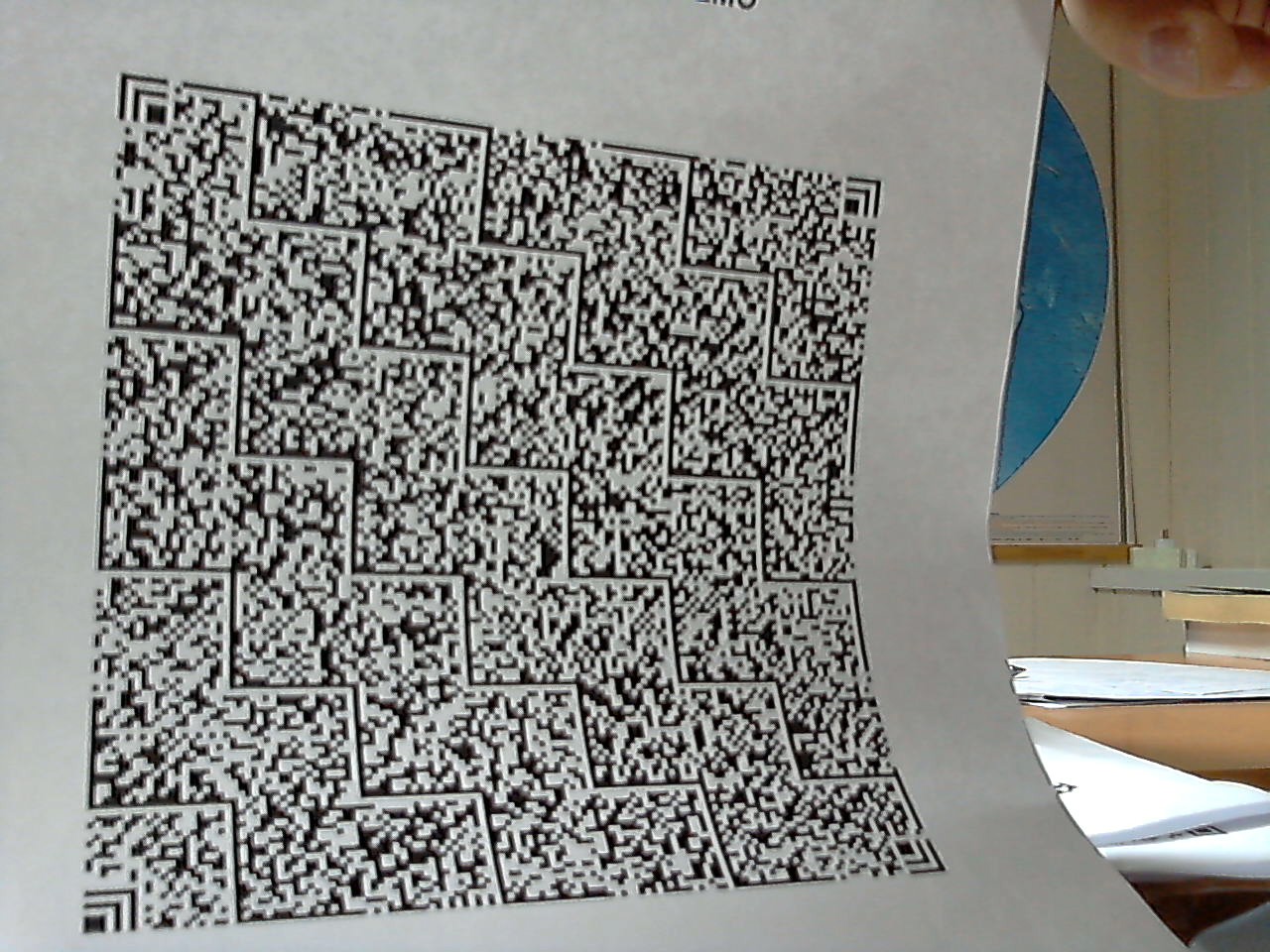
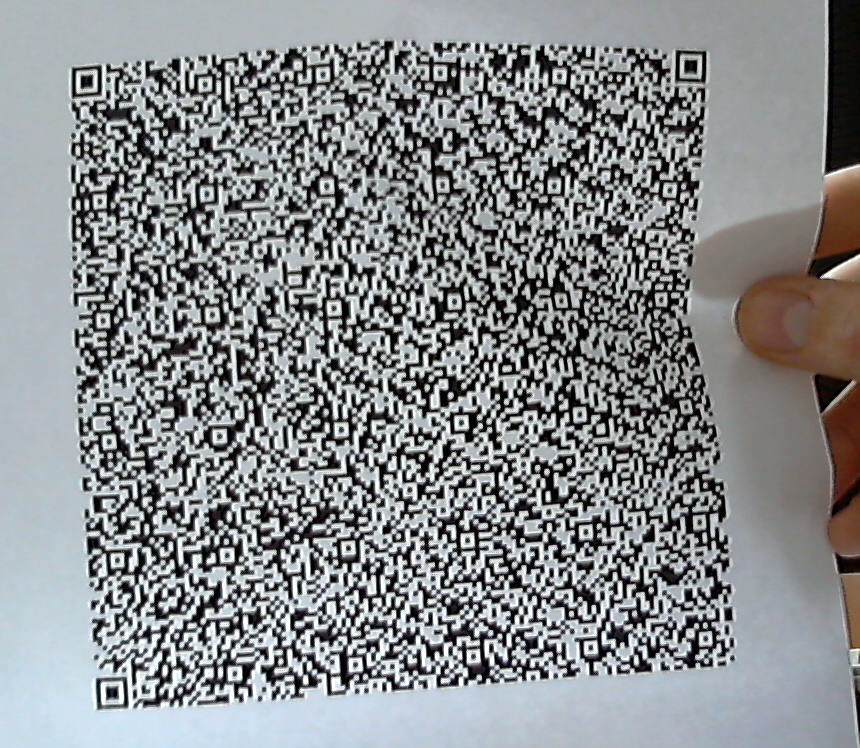
Hier sind einige Bilder mit verzerrten Barcodes:
Second sample of Aztec barcode with spatial distortions

Third sample of Aztec barcode with spatial distortions

First sample of Han Xin Code barcode with spatial distortions

Second sample of Han Xin Code barcode with spatial distortions

First sample of QR barcode with spatial distortions

Second sample of QR barcode with spatial distortions


Weitere Bilder mit verzerrten Barcodes finden Sie im Verteilungspaket des VintaSoft Barcode .NET SDK.

Falls Sie Probleme bei der Barcode-Erkennung haben und der Meinung sind, dass unser Barcode-Erkennungsalgorithmus diese lösen sollte, senden Sie bitte Ihre Bilder zum Testen und Überprüfen an support@vintasoft.com.